

Real wall poster gallery & inspiration
Rasterbator Poster Gallery
Explore real-style Rasterbator posters for portraits, anime, landscapes, gifts, classrooms, and events. Every example includes a paper size, page grid, halftone mode, and practical tip so you can recreate the look at home.

Scenic Landscape Mural
Use these settings →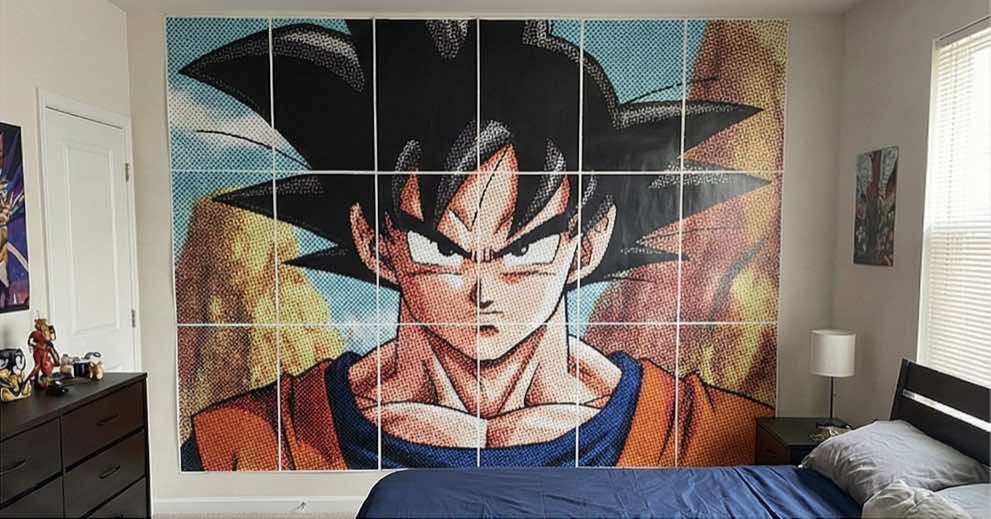
Anime Fan Art Wall Print
Use these settings →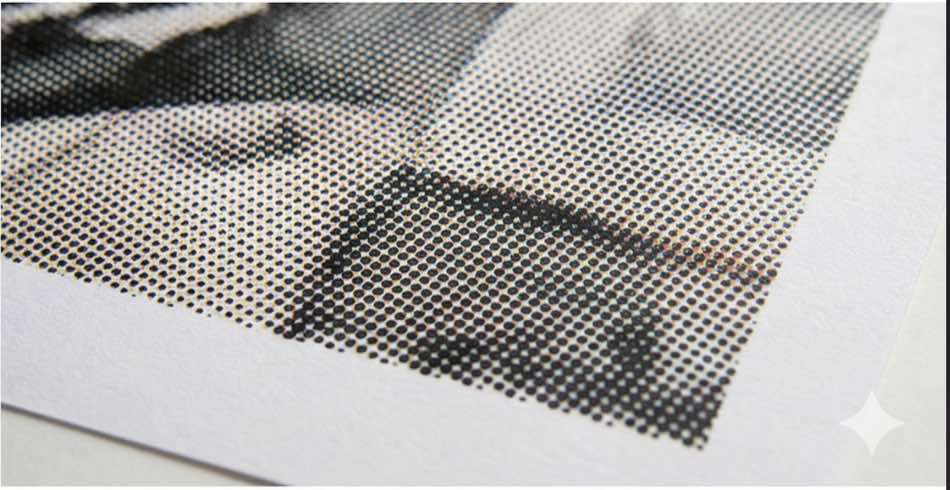
Abstract Halftone Texture
Use these settings →
Pet Portrait Gift Poster
Use these settings →
Kitchen Food Wall Art
Use these settings →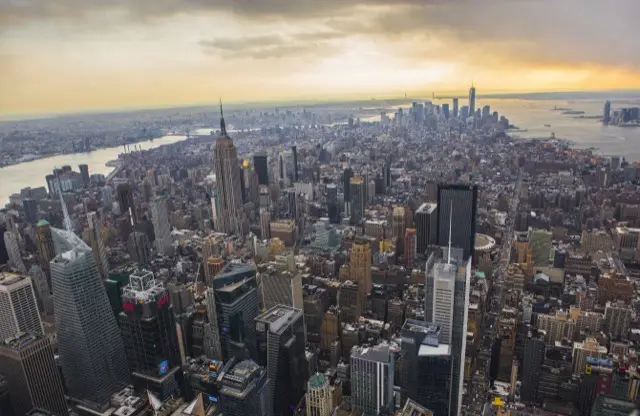
Cityscape Office Poster
Use these settings →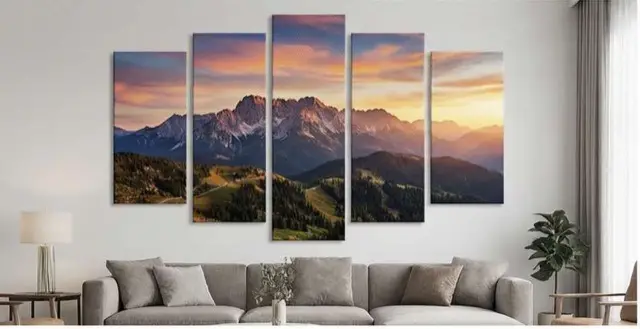
Dorm Room Bike Poster
Use these settings →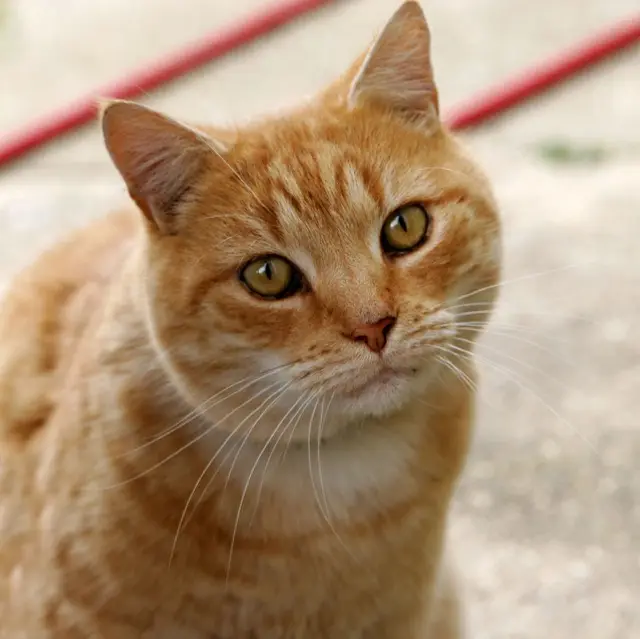
Classroom Visual Poster
Use these settings →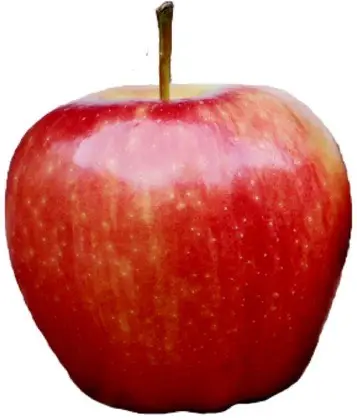
Birthday Party Backdrop
Use these settings →How to Recreate Any Rasterbator Poster
- Open the free Rasterbator poster maker.
- Upload your image or paste an image URL.
- Match the paper size and page grid shown on a gallery card.
- Adjust halftone dot size and color mode, then download the tiled PDF.
- Print at 100% scale and assemble the pages using the printing guide.
Halftone Wall Poster Inspiration & Image Curation
Creating a compelling wall mural from this rasterbator poster gallery begins with selecting the right source artwork. Because halftone rasterization breaks images down into discrete circular dots, subject matter with strong tonal separation yields the most striking real-world results:
- High-Contrast Portraits & Faces: Sharp facial contours, distinct rim lighting, and clean shadows translate into legible halftone dots even from across a large room. Low-contrast or washed-out selfies often look muddy once rasterized.
- Clean Line Art & Anime Fan Art: Bold ink outlines and solid color fields remain crisp across tiled page borders, minimizing visual disruptions at page seams.
- Scenic Landscapes & Cityscape Murals: Panoramic nature views and architectural skylines benefit from expansive multi-sheet layouts (such as 4×4 or 5×6 grids), creating dramatic room-scale focal points.
- Graphic Still Lifes & Pet Portraits: Vibrant subjects with recognizable silhouettes create warm, personalized wall features for dorm rooms, home offices, and classrooms.
Poster Grid Sizing & Paper Selection Matrix
Every design in our rasterbator poster gallery specifies a practical page grid and paper format. Use this quick reference to select the best layout for your available wall area:
- Compact Accent Posters (2×2 to 2×3 Sheets):
• Finished Dimensions: ~42×59 cm (A4) or ~17×22 in (US Letter).
• Recommended Spaces: Study desks, bookshelves, narrow entryways, and framed gifts.
• Optimal Viewing Distance: 1.0 to 1.5 meters. - Medium Statement Wall Art (3×3 to 3×4 Sheets):
• Finished Dimensions: ~63×119 cm (A4) or ~25×44 in (US Letter).
• Recommended Spaces: Bedroom walls, dorm rooms, behind sofas, and collaborative workspaces.
• Optimal Viewing Distance: 2.0 to 3.0 meters. - Large-Format Wall Murals (4×4 to 5×6 Sheets):
• Finished Dimensions: ~84×178 cm (A4) or ~34×66 in (US Letter).
• Recommended Spaces: Living rooms, studio backdrops, event photo booths, and retail displays.
• Optimal Viewing Distance: 3.5 meters or more.
Halftone Dot Size & Optical Distance Tuning
The core visual magic of a Rasterbator print lies in optical blending: when viewed up close, each sheet is an abstract constellation of dots; step back a few paces, and your brain synthesizes them into a seamless photographic image. Choose your dot parameters based on viewing distance:
- Fine Halftone Dots (2–3 mm diameter): Best suited for compact posters viewed within arm's reach. Preserves subtle textural details and continuous tonal gradients.
- Balanced Classic Dots (5–8 mm diameter): The signature aesthetic highlighted throughout this rasterbator poster gallery. Delivers unmistakable pop-art character while blending naturally from 2–3 meters away.
- Bold Graphic Dots (10–15 mm diameter): Creates an aggressive, posterized pop-art statement. Recommended for massive murals and high-contrast black-and-white silhouettes.
- Color vs Monochrome Rendering: Black-and-white halftone provides stark contrast and uses standard monochrome ink. CMYK color halftone layers colored dots to reproduce vibrant hues and warm skintones.
Professional Multi-Page Poster Assembly & Wall Mounting
Bringing any inspiration piece from the rasterbator poster gallery to your wall requires proper assembly technique:
- 1. Scale Verification: Ensure your printer driver is configured to 100% scale or “Actual Size”. Never select “Fit to Printable Area”, as automatic scaling introduces uneven margins between sheets.
- 2. Numbering & Dry Layout: Lay all printed pages on a clean table or floor before applying adhesive. Lightly pencil row and column coordinates (e.g., R1-C1, R1-C2) on the reverse side of each page.
- 3. Seamless Trimming vs Modern Overlap: For a completely flush look, trim white margins along the right and bottom edges using a sharp craft knife and metal ruler. Alternatively, keep white margins intact for a segmented grid effect.
- 4. Surface-Safe Mounting: Use removable poster putty (such as Blu-Tack) or non-damaging adhesive mounting tabs to protect painted drywall. For a durable, rigid presentation, mount pages onto lightweight foam core (KT board) with acid-free spray adhesive.
Poster Examples FAQ
What is the Rasterbator poster gallery?
The Rasterbator poster gallery is an inspiration showcase of real-world tiled wall posters created with halftone dots. Each gallery card provides exact page grid counts, standard paper sizes, dot rendering modes, and mounting tips so you can reproduce the exact look at home.
Can I customize the dot size for any design in this rasterbator poster gallery?
Yes. When you click through to make any design from this rasterbator poster gallery, you can adjust the dot diameter from 1 mm to 25 mm, switch between black-and-white or CMYK color halftone modes, and select circular or custom dot geometries.
How large are the posters showcased in this rasterbator poster gallery?
Final dimensions depend on the grid dimensions and selected paper format. For instance, a 2×2 A4 grid creates a compact 42×59 cm wall accent, a 3×4 Letter poster covers 66×110 cm, and a 5×6 A4 mural spans 105×178 cm.
What paper weight gives the best results for a multi-page rasterbator poster?
Standard 80–100 gsm copy paper works well for lightweight taped murals. For richer blacks, reduced ink bleed, and easier seamless alignment without curling, 120–160 gsm matte presentation paper or light cardstock is ideal.
Do I need a commercial wide-format printer?
No commercial equipment is required. Every example in this rasterbator poster gallery is engineered to print seamlessly on everyday standard home and office printers using A4, US Letter, A3, or Legal sheets.
Which image styles work best in a halftone rasterbator poster gallery?
High-contrast portraits, graphic anime fan art, sweeping scenic landscapes, and bold typography deliver superior visual punch because defined tonal gradients translate cleanly into variable halftone dot patterns.
What is the difference between trimming margins and overlapping seams?
Trimming margins with a precision craft knife produces a seamless, flush image where adjacent halftone dots meet edge-to-edge. Overlapping seams requires trimming only one adjoining border (top and right) and taping sheets together on the back.
How do I safely mount a large rasterbator poster without wall damage?
Removable poster adhesive putty (such as Blu-Tack) or non-damaging adhesive strips work reliably on painted drywall. For a rigid, permanent gallery display, mount individual sheets onto a foam-core backing board with acid-free spray adhesive.
Can I print gallery posters in black and white on a monochrome laser printer?
Yes, black and white halftone posters print exceptionally well on monochrome office laser printers, producing crisp vector dots while consuming minimal toner.
How do I calculate the final wall dimensions before printing?
Multiply the number of grid columns by your paper width and rows by your paper height, then subtract approximately 10 to 15 mm per seam for trimming margins.
Explore More
Wall Art Generator
Turn any photo into large-format wall art with a tiled PDF.
Create wall art →Multi-Page Poster Maker
Print one image across A4, Letter, A3, or Legal pages.
Open poster maker →The Rasterbator
Learn how this browser-based alternative compares with the classic Rasterbator.
Compare options →Poster Templates
Start with preset layouts for portraits, anime, and landscapes.
Browse templates →